Grab color from anywhere
Sample from a photo, your camera, or any webpage via the Safari extension — no screenshotting, no color-picker browser tab.
Palette Library · Color workflow
For designers and developers tired of color lives scattered across screenshots.
At a glance
What to know
Features
Sample from a photo, your camera, or any webpage via the Safari extension — no screenshotting, no color-picker browser tab.
Search, annotate, reorder, and save as many sets as you want. Your references stay organized instead of buried in Figma files.
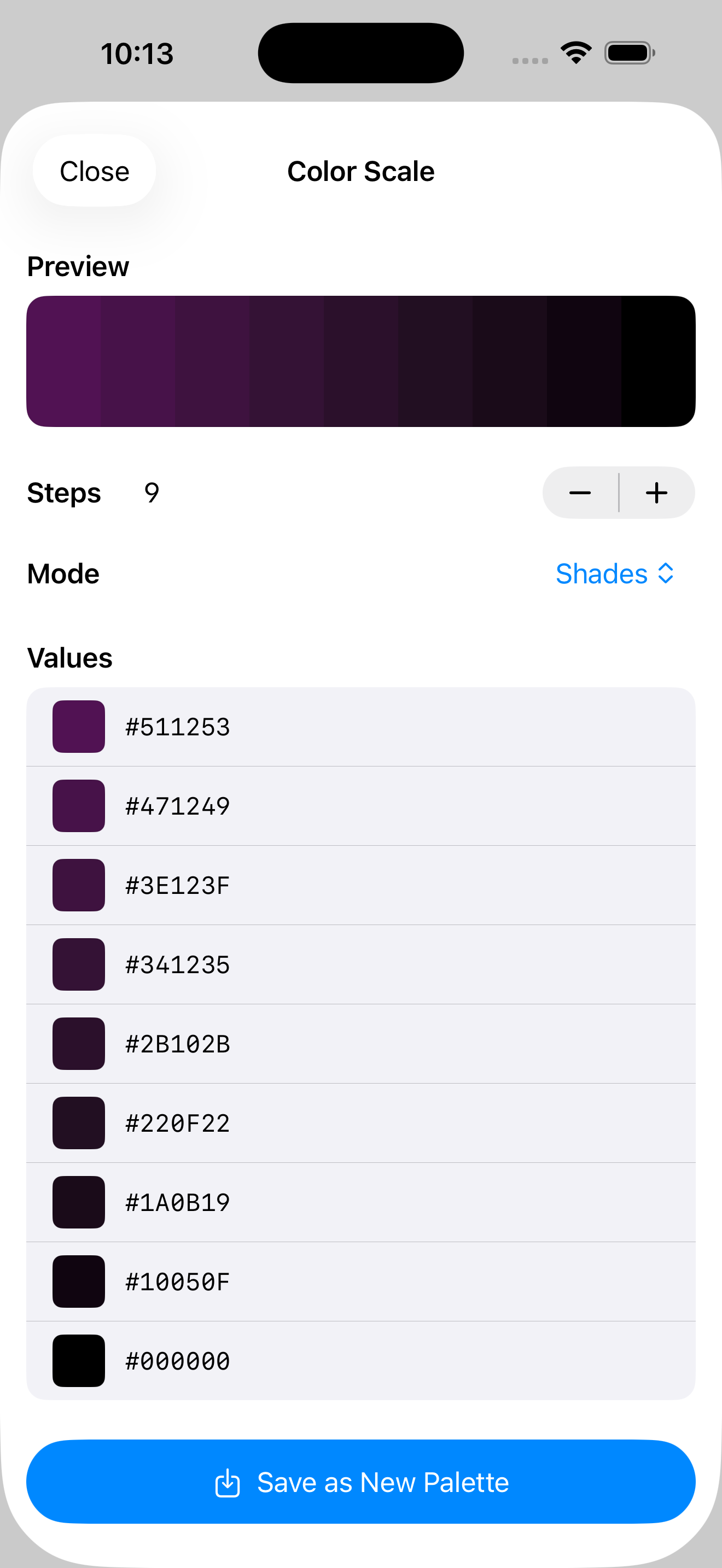
Push palettes to CSS variables, JSON, CSV, PNG, JPEG, ASE, or GPL — no retyping hex codes into yet another project.
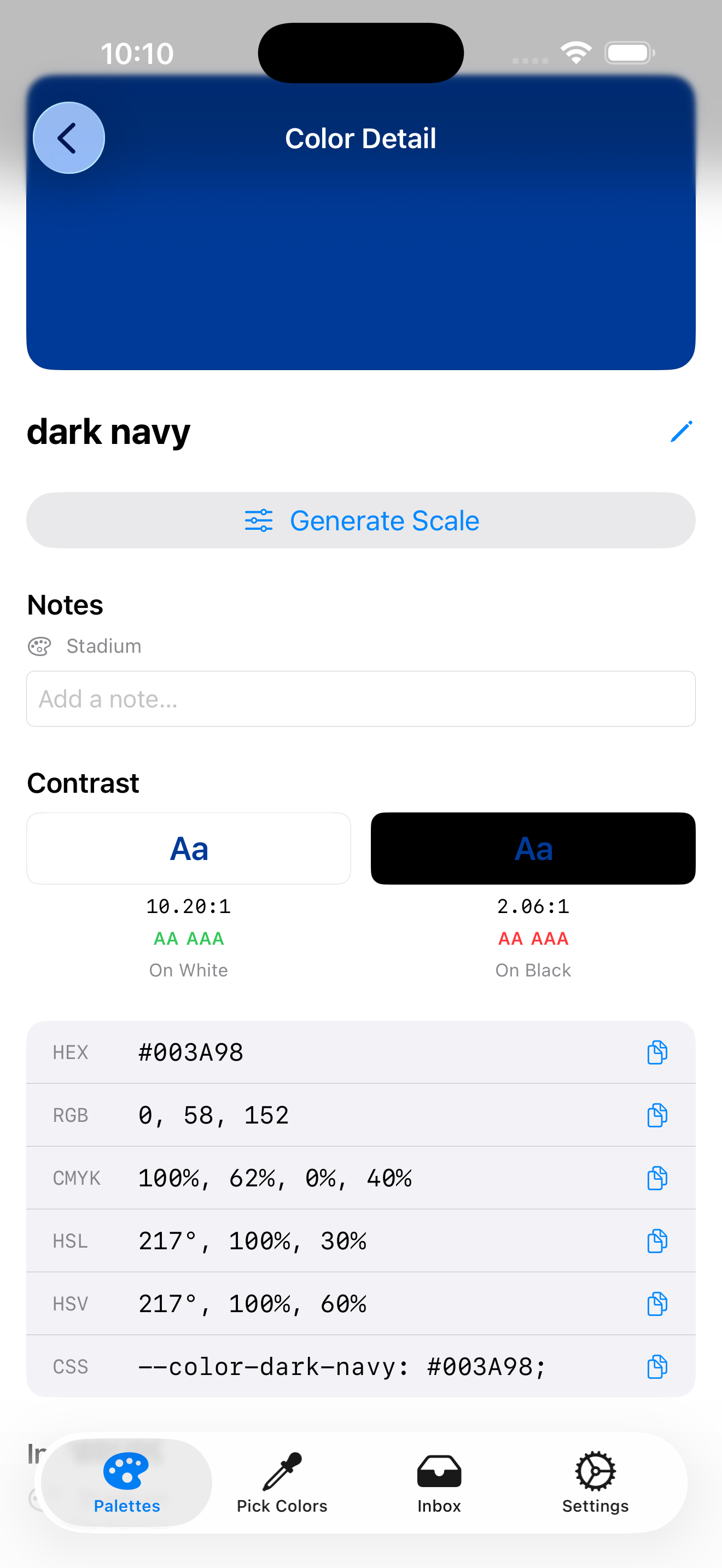
Check WCAG contrast, preview color-blindness simulations, and lean on harmony suggestions when a palette has to survive production.
See it in action
Why it fits
Free on the App Store. No subscriptions, no paywalls on core features.
FAQ
Designers, developers, illustrators, and anyone who works in color and wants a reliable capture-organize-export loop.
No. Captured colors and page references stay in the app’s local container on your device. Nothing is sent to us.
Yes — personal or professional work, no strings attached.